1
Download the app
Tap App Store or Google Play and install Appsessment.
Stay connected with your child's service and keep everything in one secure place.


Already have an account? Login here
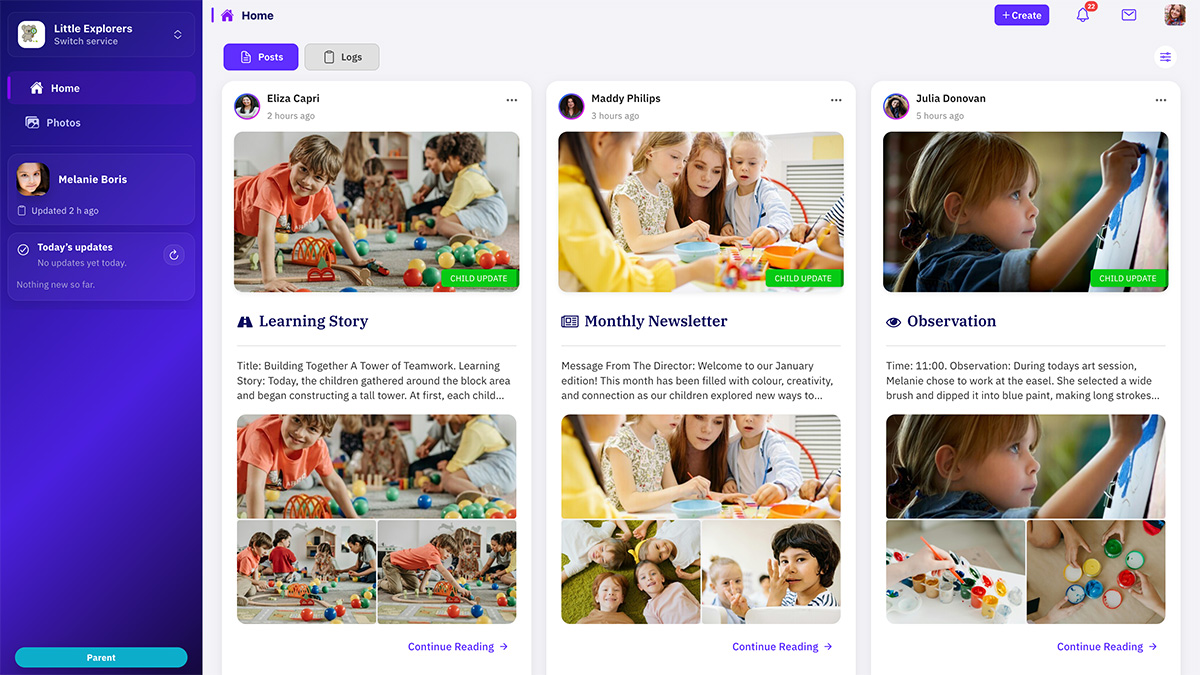
A simple setup flow for parents, even for first-time app users.
Tap App Store or Google Play and install Appsessment.
Use your existing details, or set up your parent account quickly.
Enter your code or accept the invite from your centre.
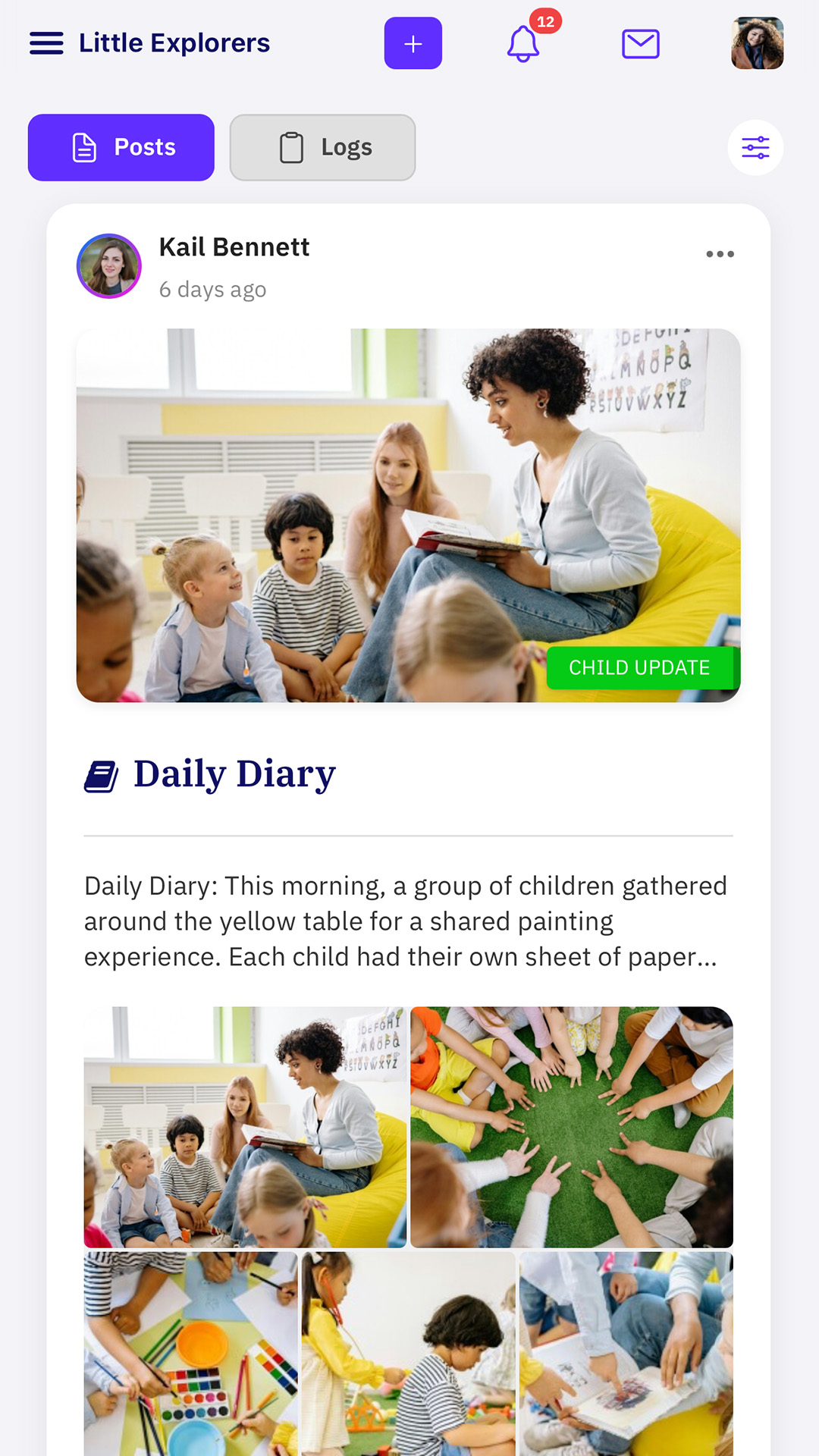
View your child's daily feed, stories, messages, and notifications.
Everything important from your service, organised in one calm and simple parent view.
View learning moments, photos, and observations shared by educators.
See meals, naps, nappies, and daily routines in your child's timeline.
Receive updates quickly when new posts or announcements are shared.
Stay connected through invite-only access designed for childcare communication.
Choose the right store for your phone and get started in minutes.