New to Appsessment?
Set up your service
Create your service, add rooms, invite educators, and start sending updates to families.
Best for owners & admins
Create your service, invite your team, and share updates with families — in a calm, modern workspace built for childcare.
Appsessment is designed for early childhood and school-age care services, with flexible setup to suit different service types.
New to Appsessment or returning? Start in the right place.
Create your service, add rooms, invite educators, and start sending updates to families.
Access your service, check updates, manage rooms, and continue where you left off.
A simple flow you can complete quickly — even if you’re busy on the floor.
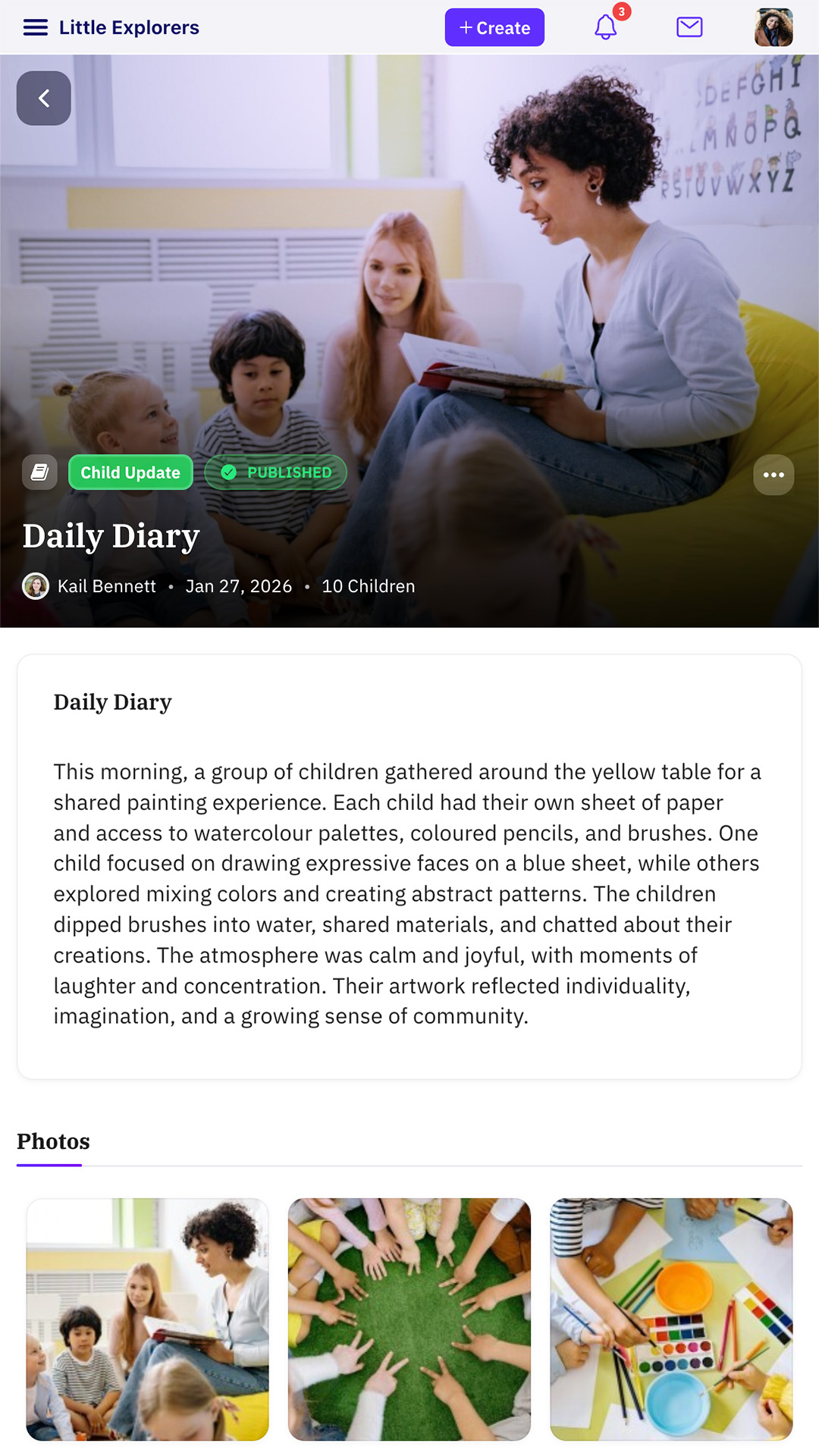
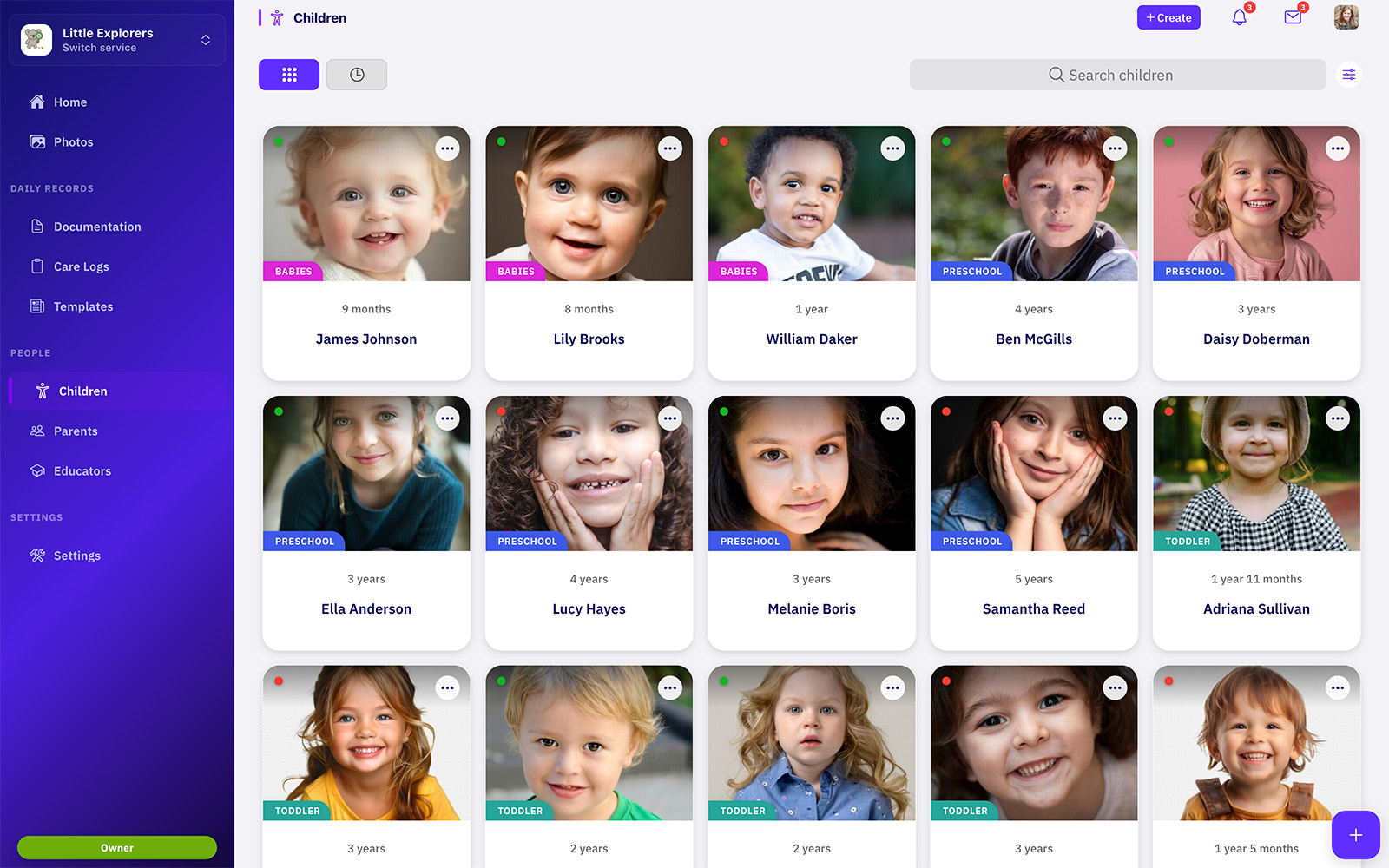
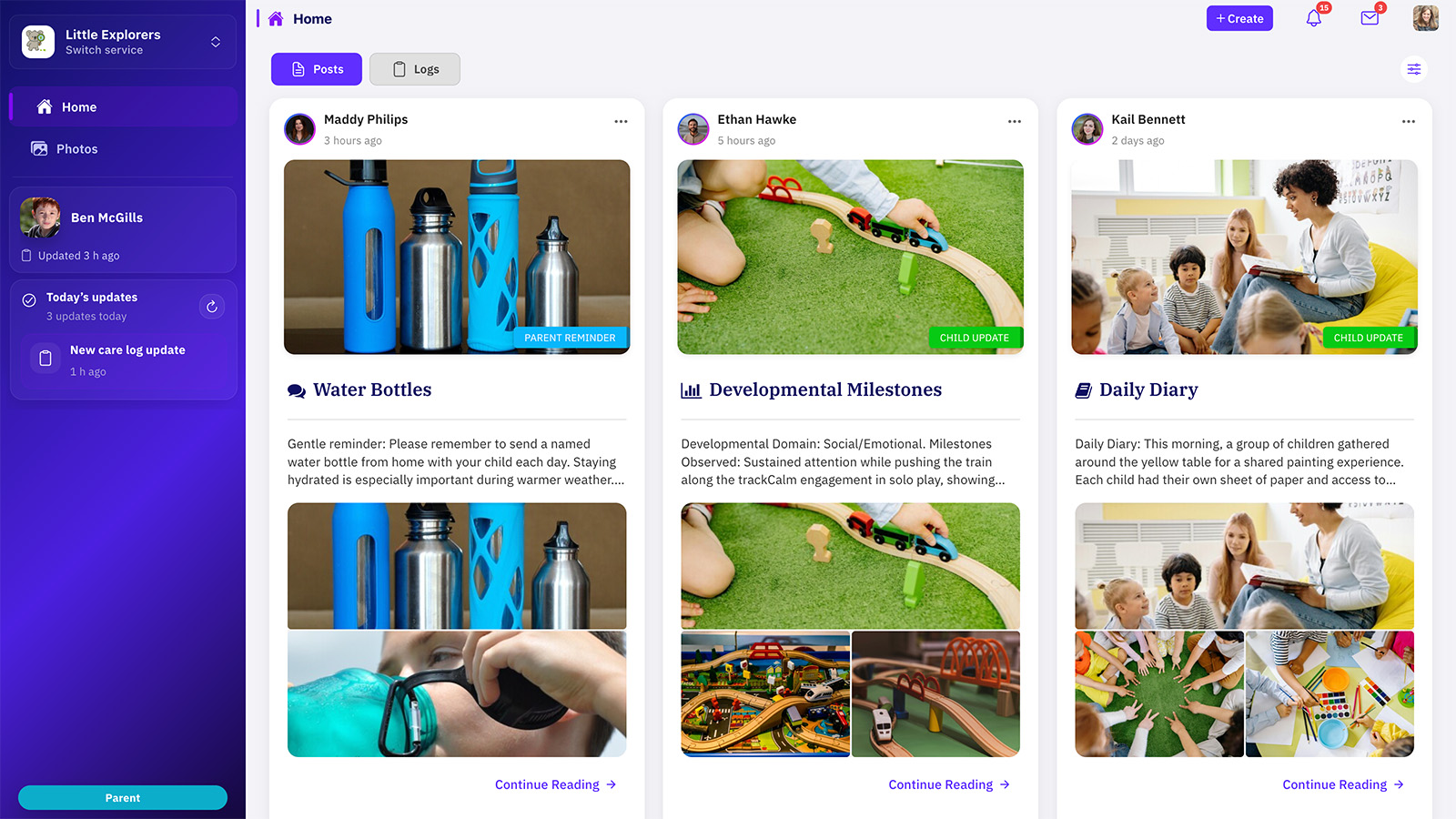
A glimpse of the workspace your team will use every day.
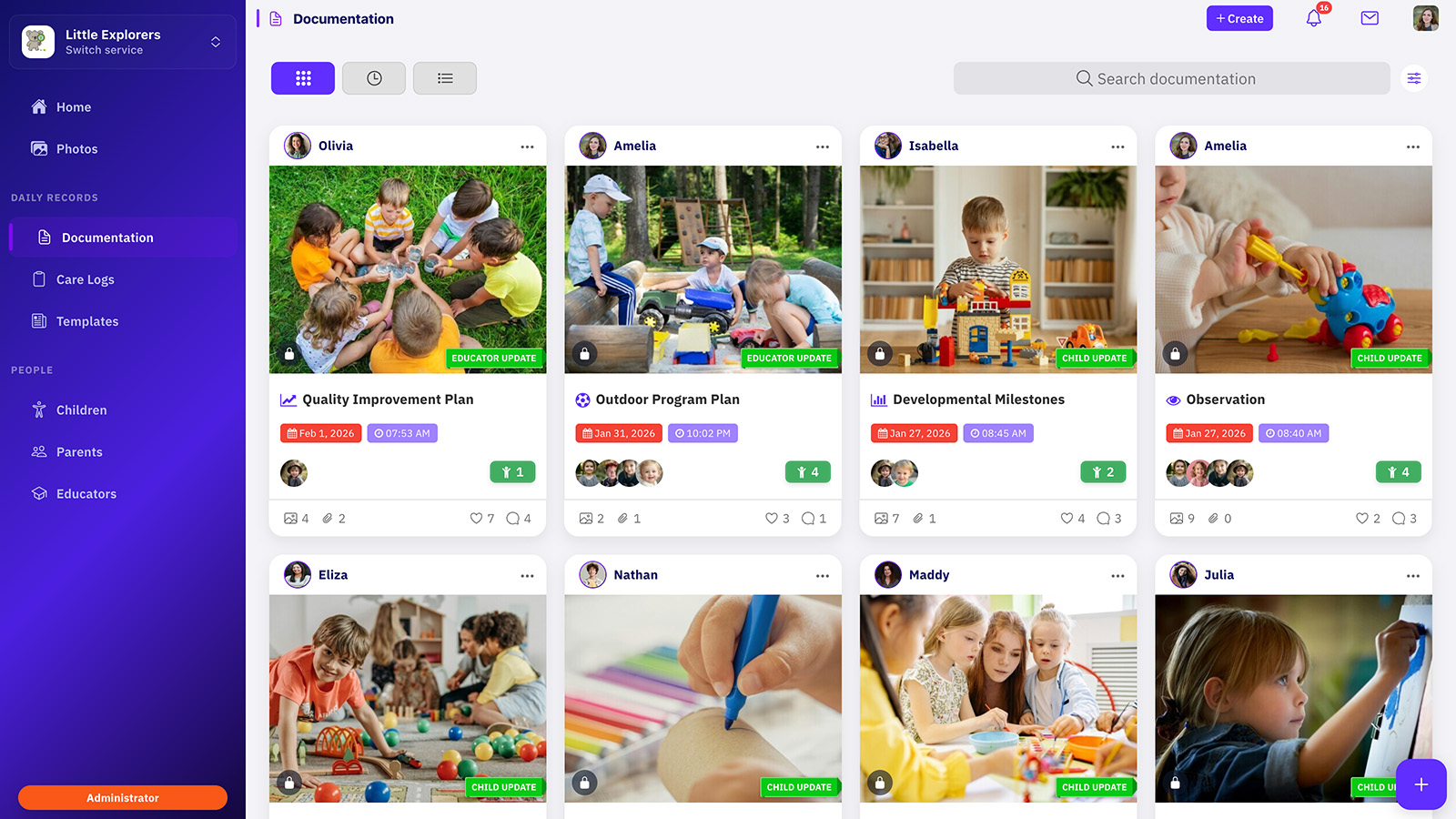
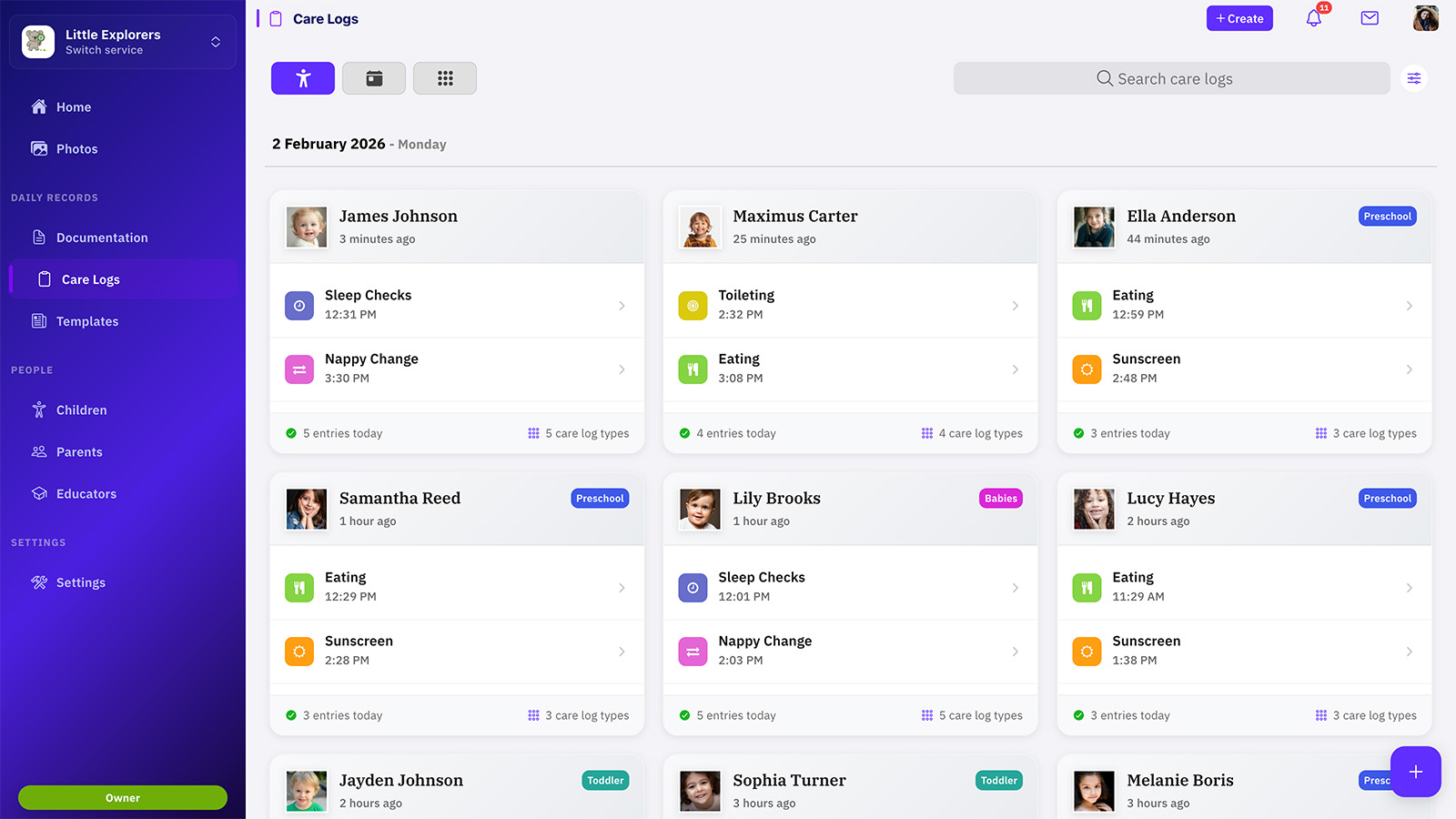
It is so easy to use and the parents love it... makes documenting easier so there is plenty of extra time to spend with the children.
Quick answers to help you get moving.
No. Parents join using an invite code from the service. Educators join via admin invite or invite code.
Yes. Once your service is created, you can invite educators and families when you’re ready.
Choose “Sign in” (or “Join with invite code” inside the app) and connect to the existing service.
Yes — our support team can guide you through setup and best-practice structure for rooms and invites.
Create your account, set up your service, and invite your team when you’re ready.